Review the live example on desktop and mobile
See the opening screen in both desktop and mobile contexts. This preview helps you assess the first impression and visual direction quickly.
Live example
Open the example in a separate tab to review the real page structure and mobile experience.
Open Live Example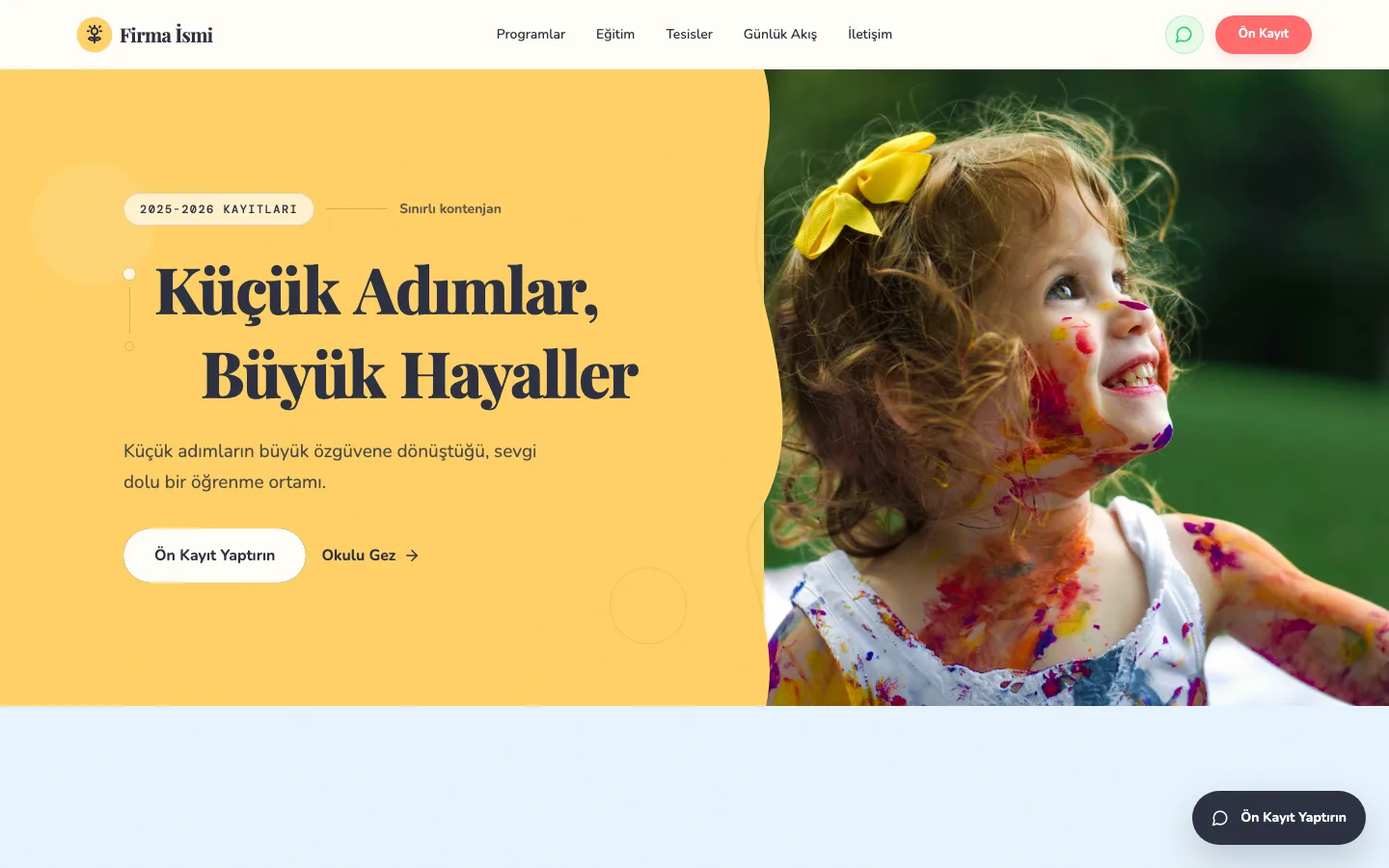

What business need does this example support?
The page structure is shaped for nurseries, kindergartens, and preschool education centers. so visitors can understand what to review and which contact path to follow next.
Target business
Nurseries, kindergartens, and preschool education centers.
Visitor flow on the page
Parents review the educational approach, see the environment, and leave a registration meeting request.
Sector
Nursery and preschool education
Last content update: 2026-06-18
Core sections on the site
The core page sections a business owner would usually want to review first.
Educational approach overview
Gallery and environment presentation
Registration meeting CTA
Parent trust sections
Areas that can be improved for the business
Practical improvements that could be considered when adapting this example to a real business.
Separate age groups and daily program clearly
Set expectations for the registration meeting
Use photos and activities as trust-focused content
Work that can be supported with AI
Supporting automation ideas that can be planned alongside the website.
Pre-information replies for common parent questions
Classify registration intent by age group and term
Monthly activity announcement drafts